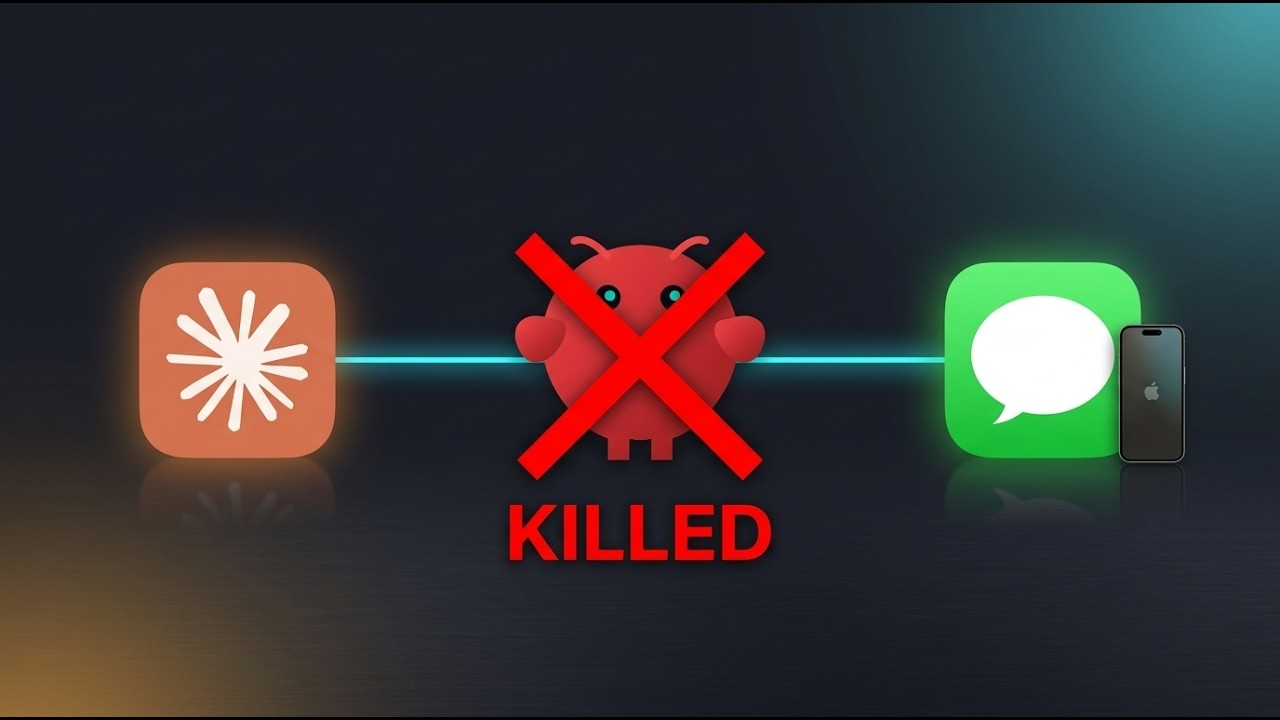
Text Claude Code from Your iPhone — No Bots, No Tokens, No Servers
Claude Code Channels now supports iMessage natively on Mac. You can text your AI assistant from your iPhone and it texts you back — no Telegram bot, no Discord server, no external service. Just iMessage.
If you watched my Discord and Telegram channel videos, this is the simplest one yet.
How It Works
Your Mac stores all iMessage data in a SQLite database called chat.db. The iMessage plugin polls this database every second for new messages. When it finds one, it pushes the message to Claude Code. For replies, Claude tells Messages.app to send a text through AppleScript.
Everything stays local on your Mac. No cloud services, no API tokens, no hosted bots.
Prerequisites
- macOS (iMessage is Mac-only)
- Claude Code installed and up to date
- Full Disk Access permission for your terminal app
Step 1: Grant Full Disk Access
macOS protects the chat.db database. Your terminal needs Full Disk Access to read it.
- Open System Settings
- Go to Privacy & Security → Full Disk Access
- Add your terminal app (Terminal, iTerm2, Warp, or VS Code if you run Claude Code from there)
- Restart your terminal if prompted
The key rule: whatever app launches bun (which runs Claude Code) needs this permission. Without it, the plugin exits immediately.
Step 2: Install the iMessage Plugin
First, make sure Claude Code is up to date:
claude updateInstall the iMessage plugin:
/plugin install @anthropic/claude-plugin-imessageIf you get a "plugin not found" error, install or update the official marketplace first:
/plugin marketplace add anthropic/claude-plugin-officialChoose user scope when prompted so the plugin works across all your projects.
Step 3: Launch Claude Code with Channels
Exit Claude Code and restart with the channels flag:
claude --channels plugin:imessage:imessageYou should see: "Listening for channel messages". That's it — the plugin is now polling your messages database.
Step 4: Test with Self-Chat
Open Messages on your iPhone and text yourself (your iCloud phone number or email). Self-chat bypasses all access control — it works immediately with no setup.
Try sending: "Hey Claude, what's in my working directory?"
You'll see the message arrive in your terminal, Claude processes it, and the reply appears on your iPhone.
Note: In self-chat, every message appears twice (as sender and receiver). That's normal iMessage behavior, not a bug. To avoid this, allow-list a second phone number and text from that device instead.
Step 5: Access Control (Allow-Listing Contacts)
By default, only your self-chat works. Everyone else is silently dropped. To let someone else reach your Claude Code session:
/imessage:access allow +1234567890You can also use Apple ID emails:
/imessage:access allow friend@icloud.comEach time you add someone, Claude Code asks for confirmation — you can approve from your terminal OR directly from your iPhone by typing the secret code.
To remove access:
/imessage:access remove +1234567890Check who has access anytime with:
/imessage:accessEverything is stored in access.json. Be careful who you allow-list — they'll have access to your Claude Code session and everything it can do on your Mac.
Real Use Cases
Remote File Lookup
You're on a call and someone asks about a config value. Instead of walking to your computer, just text Claude: "What API keys are in my .env file?"
Build Things While Away
Text: "Create a modern landing page and save it as landing.html" — Claude builds it, and the file is ready when you get back to your desk.
Check Build Status
Kicked off a test suite? Text: "Did the tests pass?" — Claude checks the output and texts back the results.
Morning Standup Prep
Before your standup, text: "What did I commit yesterday?" — Claude runs git log and sends you a formatted summary.
Additional Configuration
Disable the Signature
By default, replies include "Sent by Claude" at the bottom. To disable it:
IMESSAGE_APPEND_SIGNATURE=false claude --channels plugin:imessage:imessageGroup Chat Support
iMessage doesn't have @mentions, so you set trigger patterns instead:
/imessage:access set mention-patterns ["@claude", "hey claude"]In group chats, only messages matching these patterns will trigger Claude.
Bypass Permissions (Use Carefully)
claude --channels plugin:imessage:imessage --dangerously-skip-permissionsThis gives Claude full access to your system without asking for approval on each action. Fast, but use with caution — it's not limited to your project folder.
Things to Know
- Claude Code must be running — close the terminal, messages stop. Keep a session open in the background.
- macOS only — chat.db only exists on Mac.
- First reply triggers an automation prompt — macOS asks if your terminal can control Messages. Click OK (one-time).
- Security matters — unlike Discord/Telegram where you create a separate bot, this reads your personal messages database.
Related Guides
- Claude Code Channels: Control Your AI from Discord (Full Setup)
- Claude Code Channels: Control Your AI from Telegram (Full Setup)
- Claude Code Remote Control — Control Your Terminal from Your Phone
All three channel options work. Pick whichever platform you use the most.