Use Claude Code with ANY AI Model (GPT, Gemini, DeepSeek)
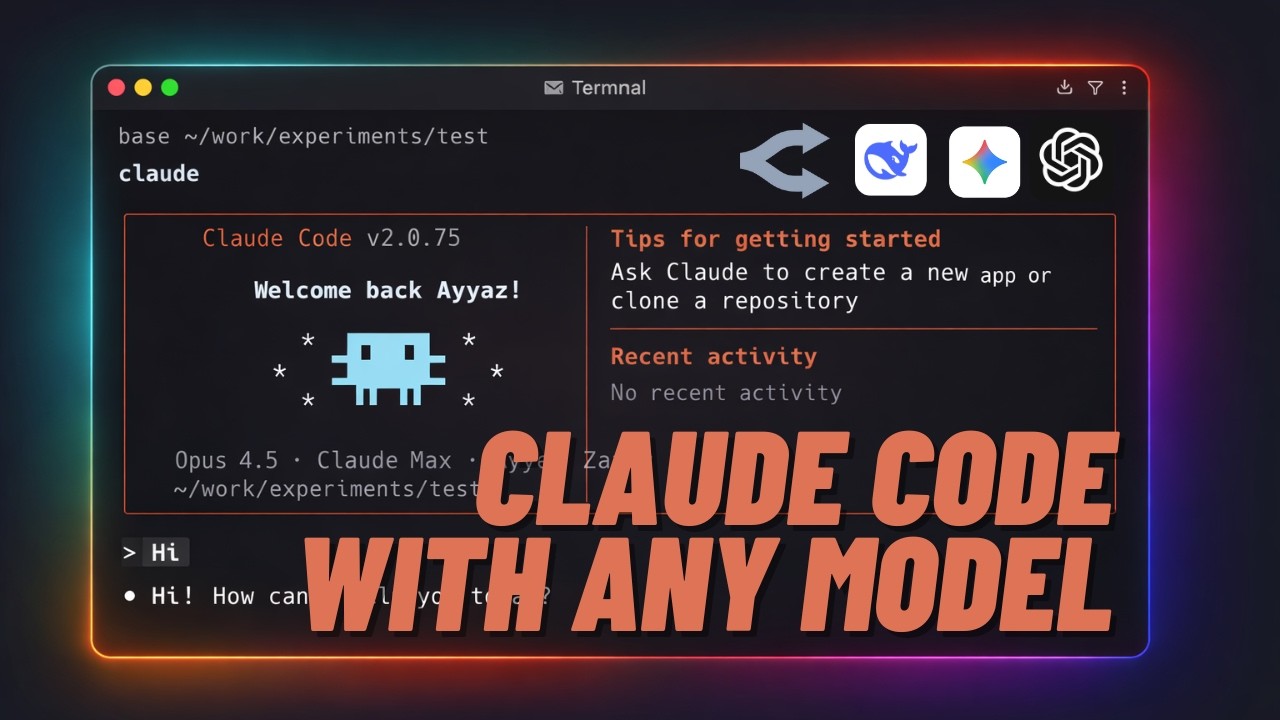
Claude Code is locked to Anthropic's models. Or is it?
What if you could switch to GPT mid-conversation? Use Gemini for free? Use DeepSeek for cheap background tasks? Run local models through Ollama? All while keeping the same Claude Code interface you know.
That's exactly what we're building today with Claude Code Router.
Video Tutorial
Prefer watching? Here's the complete video walkthrough:
The Problem with Default Claude Code
Here's the frustration with Claude Code's default setup:
- You want to try GPT-4o for something — but you can't
- You're paying for Claude's most powerful model even for simple file searches
- You have Ollama running locally — Claude Code ignores it completely
What We're Enabling
With Claude Code Router, you can:
- Switch between GPT, Gemini, DeepSeek, Claude with just one command
- Use cheap models for simple tasks, powerful ones for complex work
- Pay-as-you-go through OpenRouter — no monthly subscription
- Use FREE Gemini through Google's native API
The tool that makes this possible: Claude Code Router.
Installation
Two quick installs:
# Install Claude Code (native installer - no Node.js required)
curl -fsSL https://claude.ai/install.sh | bash

# Install Claude Code Router
npm install -g @musistudio/claude-code-router
Verify your installations:
claude --version
ccr -v
Getting Your OpenRouter API Key
OpenRouter is a single API that gives you access to every major AI model — Claude, GPT, Gemini, DeepSeek, all of them. One API key, all models.
- Go to openrouter.ai and create an account
- Click your profile icon → Keys → Create API key
- Name it "claude-code-router"
- Set a credit limit (e.g., $2 to start)
- Copy the API key
It's pay-as-you-go — you only pay for what you use.
Creating the Config File
Create the config directory:
mkdir -p ~/.claude-code-router
touch ~/.claude-code-router/config.json
Open the config file in your editor and add:
{
  "LOG": true,
  "LOG_LEVEL": "info",
  "Providers": [
    {
      "name": "openrouter",
      "api_base_url": "https://openrouter.ai/api/v1/chat/completions",
      "api_key": "YOUR_OPENROUTER_API_KEY",
      "transformer": {
        "use": ["openrouter", "tooluse"]
      },
      "models": [
        "anthropic/claude-sonnet-4",
        "openai/gpt-4o",
        "deepseek/deepseek-chat"
      ]
    }
  ],
  "Router": {
    "default": "openrouter,anthropic/claude-sonnet-4",
    "background": "openrouter,deepseek/deepseek-chat",
    "think": "openrouter,anthropic/claude-sonnet-4"
  }
}
Key parts to understand:
transformer: { use: ["openrouter", "tooluse"] }— Don't skip this! Without it, Claude Code's tool use (file editing, terminal commands) breaks completely.Router.default— Claude Sonnet hits the sweet spot of speed and intelligence.Router.background— DeepSeek for simple tasks. It's like 95% cheaper for file searches.
Replace YOUR_OPENROUTER_API_KEY with your actual key.
Launch and Test
Instead of running claude, run:
ccr codeThis starts Claude Code through the router. All requests go through your configured providers.
Test with a simple prompt:
Create a function that validates email addressesCheck your OpenRouter dashboard — you'll see the requests logged with costs.
Switching Models Mid-Session
Here's where it gets interesting. Type:
/model openrouter,openai/gpt-4oNow you're using GPT-4o. Same conversation, different model. No restarts required.
You can verify with:
/statusThe Gemini Gotcha (And How to Fix It)
Let's try Gemini through OpenRouter:
/model openrouter,google/gemini-2.5-flashAsk a simple question... and you get nothing. Empty response.
The model works — you can see it in OpenRouter's logs — but Claude Code shows nothing.
The problem: Gemini's tool calling format isn't compatible with OpenRouter's translation layer. This is a known issue (GitHub Issue #1024).
The fix: Add Gemini directly through Google's API — not through OpenRouter.
This is where Claude Code Router shines — you can have multiple providers.
Get a FREE Gemini API Key
- Go to aistudio.google.com
- Click "Get API Key" on the bottom left
- Click "Create API key"
- Select the "Gemini API" project (this gives you FREE access)
- Copy the key
This gives you free access to Gemini 2.5 Flash and Pro. No credit card needed.
Add Gemini as a Second Provider
Update your config file to add Gemini alongside OpenRouter:
{
  "LOG": true,
  "LOG_LEVEL": "info",
  "Providers": [
    {
      "name": "openrouter",
      "api_base_url": "https://openrouter.ai/api/v1/chat/completions",
      "api_key": "YOUR_OPENROUTER_API_KEY",
      "transformer": {
        "use": ["openrouter", "tooluse"]
      },
      "models": ["anthropic/claude-sonnet-4", "openai/gpt-4o", "deepseek/deepseek-chat"]
    },
    {
      "name": "gemini",
      "api_base_url": "https://generativelanguage.googleapis.com/v1beta/models/",
      "api_key": "YOUR_GEMINI_API_KEY",
      "transformer": {
        "use": ["gemini"]
      },
      "models": ["gemini-2.5-flash", "gemini-2.5-pro"]
    }
  ],
  "Router": {
    "default": "openrouter,anthropic/claude-sonnet-4",
    "background": "openrouter,deepseek/deepseek-chat",
    "think": "openrouter,anthropic/claude-sonnet-4"
  }
}
Notice: Different transformer — gemini instead of openrouter. The router handles the format translation.
Restart CCR:
ccr restartNow switch to Gemini:
/model gemini,gemini-2.5-flashAsk a question — it works! Native API, native transformer, proper tool use support.
The lesson: Some models need direct API access, not proxied through OpenRouter. Claude Code Router lets you mix both in one config.
Automatic Routing for Cost Savings
Remember this part of the config?
"Router": {
  "default": "openrouter,anthropic/claude-sonnet-4",
  "background": "openrouter,deepseek/deepseek-chat"
}
The router automatically uses cheaper models for background tasks. When Claude Code runs background operations — like file searches or simple checks — it uses DeepSeek instead of Claude. You get the same results at a fraction of the cost.
For complex reasoning tasks, it uses your default model.
Smart routing = lower bills.
Quick Tips
Tip 1: Use the UI for Configuration
ccr uiThis opens a beautiful web interface to manage your config. You can:
- Add/remove providers
- Change default, background, and think models
- Edit JSON directly
- View logs
- Save and restart with one click
Much easier than editing JSON manually.
Tip 2: Interactive Model Selector
ccr modelInteractive CLI to see all available models and switch between them.
Tip 3: Restart After Config Changes
ccr restartReloads your config without stopping the service.
Tip 4: Monitor Your Costs
OpenRouter dashboard shows real-time usage. Set up alerts if you want spending limits.
My Honest Take
I've been running this setup for a few weeks. My honest take? I use Claude 90% of the time. But that 10% where I can switch to GPT or go local? Game changer.
The config file and all commands are available below — copy-paste ready.
Quick Reference
Installation
curl -fsSL https://claude.ai/install.sh | bash
npm install -g @musistudio/claude-code-router
Commands
ccr code          # Launch Claude Code through router
ccr ui            # Web-based config editor
ccr model         # Interactive model selector
ccr restart       # Reload config
In-Session Commands
/model openrouter,openai/gpt-4o       # Switch to GPT
/model gemini,gemini-2.5-flash        # Switch to Gemini
/model openrouter,deepseek/deepseek-chat  # Switch to DeepSeek
/status                                # Check current model
/clear                                 # Clear history
Resources
- Claude Code Router GitHub
- OpenRouter
- OpenRouter Models
- Google AI Studio (FREE Gemini API)
- Gemini via OpenRouter Issue #1024
Have questions? Drop a comment on the YouTube video or reach out on Twitter.
Get new tutorials by email
AI coding tools and setups, when a new article is out. No spam, unsubscribe anytime.