Introduction
PocketBase is an incredible open-source backend that packs authentication, database, realtime subscriptions, and file storage into a single binary. With Hostinger's 1-click installation, you can have your own Firebase alternative running in minutes.
What is PocketBase?
PocketBase is a backend-as-a-service (BaaS) that gives you:
- SQLite Database — With a beautiful admin UI for managing collections
- Authentication — Email/password, OAuth2 (Google, GitHub, etc.)
- Realtime — Subscribe to database changes via SSE
- File Storage — Built-in file handling with image thumbnails
- REST API — Auto-generated CRUD endpoints
- SDK Support — JavaScript/TypeScript, Dart, and more
Why PocketBase Over Firebase?
Consider PocketBase when you want:
- Data ownership — Your data on your server
- No vendor lock-in — Easy to migrate
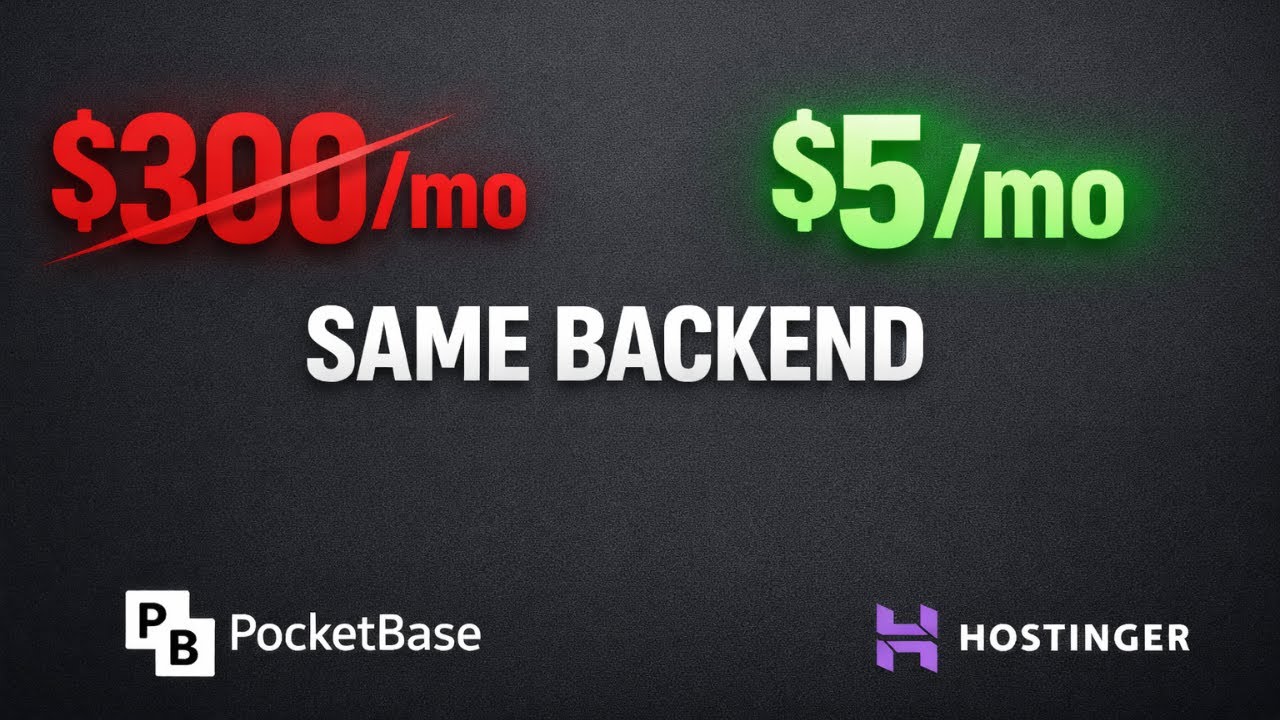
- Predictable costs — Just VPS hosting fees
- Simplicity — Single binary, no complex setup
- Extensibility — Extend with Go code if needed
Video Tutorial
Watch the full deployment guide:
Quick Setup Steps
- Get a Hostinger VPS — KVM 1 works great for small-medium apps
- Select PocketBase Template — Choose from the application templates
- Point Your Domain — Configure DNS to point to your VPS
- Access Admin Panel — Visit
yourdomain.com/_/to create admin account - Create Collections — Design your database schema visually
What's Pre-Configured
Hostinger's PocketBase template includes:
- PocketBase binary with systemd service
- Nginx reverse proxy
- SSL certificate via Let's Encrypt
- Auto-restart on failure
- Persistent data directory
Use Cases
PocketBase is perfect for:
- MVPs & Prototypes — Rapid backend setup
- Mobile Apps — iOS/Android with Dart SDK
- Jamstack Sites — Headless CMS alternative
- Internal Tools — Quick admin panels
- Side Projects — When you don't need enterprise scale
Connecting Your Frontend
PocketBase provides SDKs for easy integration:
// JavaScript/TypeScriptimport PocketBase from 'pocketbase';const pb = new PocketBase('https://your-domain.com');// Authenticateawait pb.collection('users').authWithPassword('user@example.com', 'password');// Fetch recordsconst records = await pb.collection('posts').getList(1, 20);Conclusion
PocketBase offers an incredible amount of functionality in a simple, self-hosted package. Combined with Hostinger's 1-click deployment, you can have a production-ready backend in minutes—not hours or days.
Perfect for developers who want control without complexity!