Self-Host n8n in 1 Click on Hostinger VPS
Introduction
Want to self-host n8n for workflow automation but don't want to deal with Docker configs, reverse proxies, and SSL certificates? Hostinger's 1-click installation makes it incredibly easy.
In this tutorial, I'll show you how to deploy n8n on a Hostinger VPS in under 5 minutes—no DevOps experience required.
What is n8n?
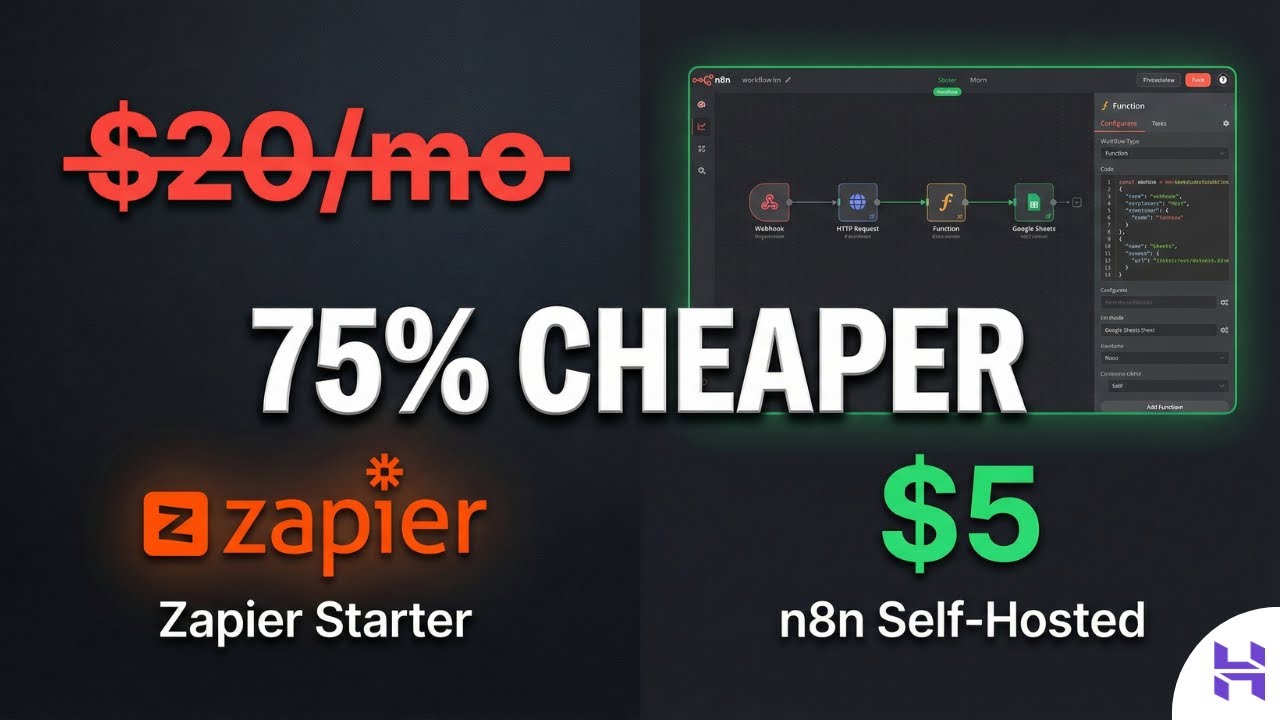
n8n is a powerful, open-source workflow automation tool that lets you connect different services and automate repetitive tasks. Think of it as a self-hosted alternative to Zapier or Make.com, but with:
- Full control over your data
- No per-task pricing
- Unlimited workflows
- Custom node development
Why Hostinger VPS?
Hostinger offers pre-configured templates for popular self-hosted apps. For n8n, this means:
- 1-click deployment — No manual Docker setup
- SSL included — Automatic HTTPS with Let's Encrypt
- Reverse proxy configured — Nginx ready out of the box
- Affordable — Starting at ~$6/month for KVM 1
Video Tutorial
Watch the complete walkthrough:
Quick Setup Steps
- Get a Hostinger VPS — Choose KVM 1 or higher
- Select n8n Template — In the OS selection, choose the n8n 1-click app
- Point Your Domain — Add an A record pointing to your VPS IP
- Access n8n — Visit your domain and create your admin account
What's Included
The Hostinger n8n template pre-configures:
- Docker & Docker Compose
- n8n container with persistent storage
- Nginx reverse proxy
- Let's Encrypt SSL auto-renewal
- PostgreSQL database (for n8n data)
Conclusion
Self-hosting n8n has never been easier. With Hostinger's 1-click installation, you can have a fully functional automation server running in minutes—no DevOps expertise needed.
Ready to automate your workflows? Give it a try!
Get new tutorials by email
AI coding tools and setups, when a new article is out. No spam, unsubscribe anytime.