Git Merge Conflicts Explained | Step by Step
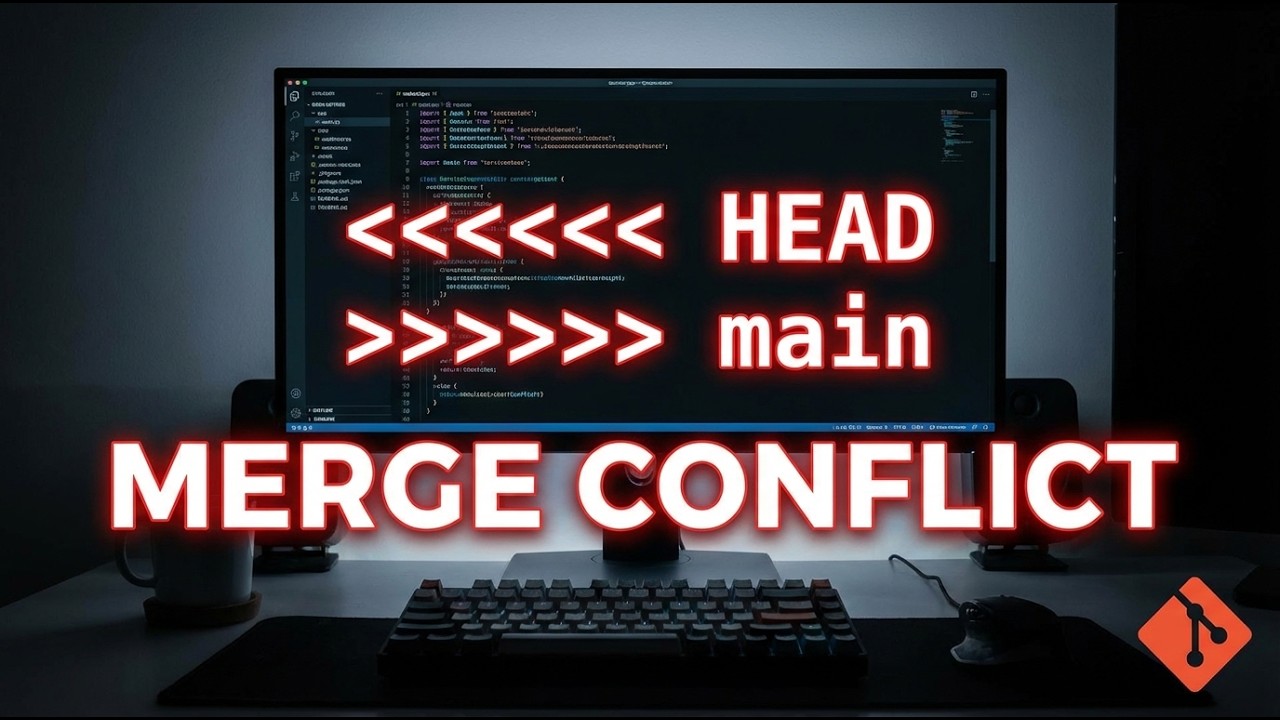
Git Merge Conflicts Explained | Step by Step
Git merge conflicts can be intimidating for developers, but they don't have to be. Understanding how to handle these conflicts is a crucial skill in collaborative software development.
Understanding Merge Conflicts
Merge conflicts occur when two branches have made changes to the same part of a file, and Git cannot automatically determine which changes to keep. This typically happens during collaborative development when multiple team members are working on the same codebase.
Key Points Covered in the Tutorial
- Why merge conflicts happen
- Reading and understanding conflict markers
- Three practical methods to resolve conflicts
- How to safely abort a merge if needed
Conflict Resolution Methods
The tutorial walks you through three primary ways to resolve merge conflicts:
- Manual editing directly in the file
- Using command-line Git commands
- Resolving conflicts in Visual Studio Code
Each method has its advantages, and the choice depends on your specific workflow and comfort level with Git.
Watch the full video tutorial here to get a comprehensive, step-by-step guide to handling Git merge conflicts: Git Merge Conflicts Tutorial
Don't forget to subscribe to our YouTube channel for more in-depth programming tutorials, Git workflows, and coding tips! Our Git Mastery series provides practical, real-world insights to improve your development skills.