I Used Claude to Clone Vercel's Homepage (Claude Code Tutorial 2026)
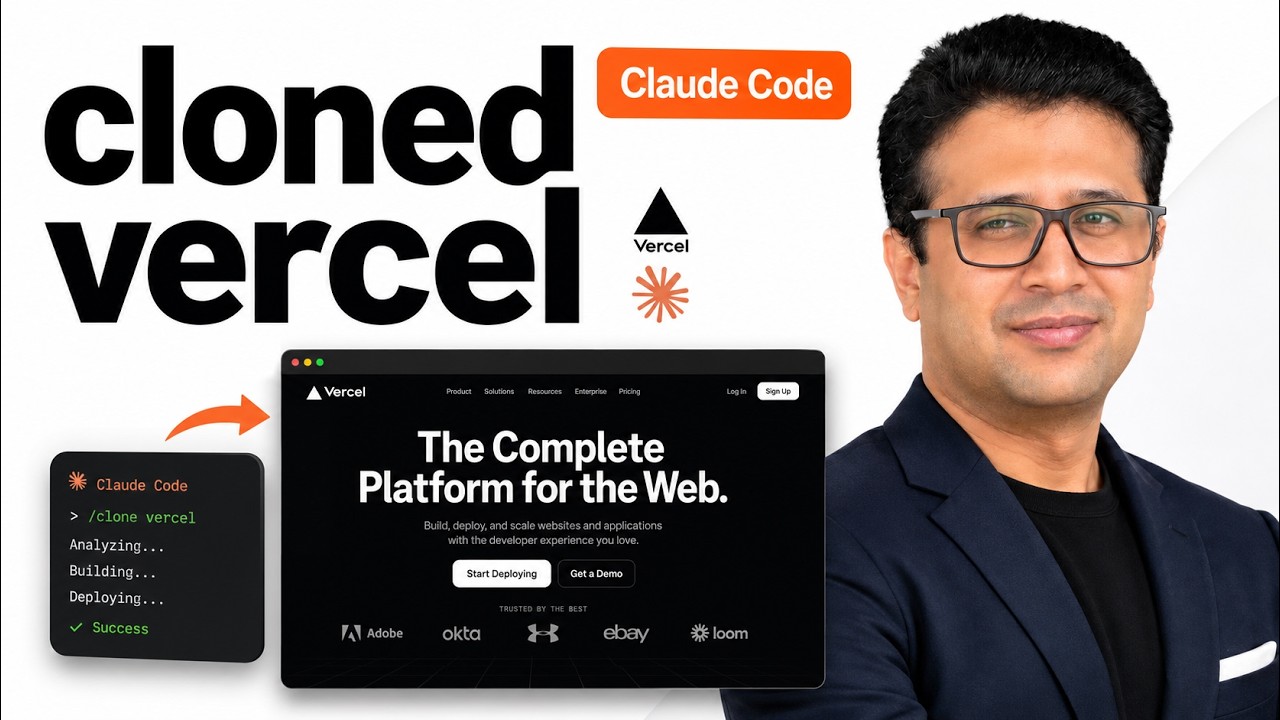
A few screenshots of vercel.com, one prompt, and Claude Code built a pixel-aware clone of the landing page. Header, gradient hero, feature sections, interactive tabs, FAQ, footer, mobile menu. The whole thing.
This is the direct sequel to the sketch-to-app video. That one started from a paper drawing. This one starts from real screenshots of a polished production website. Same minimal-prompt philosophy, much higher visual bar.
Why Vercel's Landing Page
Vercel is the gold standard for developer-tool landing pages right now. Gradient hero. Hover micro-interactions. Multi-column feature sections. Interactive tabs that switch content without a page reload. A clean dark theme that everyone tries to copy. If Claude can clone this, the bar moves.
I picked Vercel specifically because every developer recognizes it. The wow factor in the title is doing real work. "I cloned Vercel" lands harder than "I cloned a generic landing page."
What You Need
- Claude Code installed and logged in
- Bun (faster than npm for serving the static output)
- Screenshots of the page you want to clone
- An empty folder
The Screenshot Trick
Vercel's homepage is too long for one screenshot. A single capture loses the lower sections, the FAQ, the footer. So I took multiple screenshots scrolling down the page. Saved them all into one folder.
The titles are not promises. The Snake video said "Snake game" and showed a snake game. The Vercel video says "clone Vercel's homepage" and shows Vercel's homepage being cloned. The word "screenshot" is not in the title, so using multiple screenshots is fair game.
If you do not have a Mac, any screenshot tool that lets you scroll and capture works. On Mac, the built-in Cmd+Shift+4 followed by spacebar plus arrow keys covers most cases. I just took several captures in sequence and saved them as screenshot-1.png, screenshot-2.png, and so on.
The Setup
mkdir ~/Main/Work/experiments/screenshot-to-clone
cd ~/Main/Work/experiments/screenshot-to-clone
# Drop the screenshot files in this folder
code .
Open the terminal in VS Code. Start Claude Code:
claudeThe Prompt
Drag the screenshots into the Claude Code prompt window so they get referenced, then type:
Clone this site as a static page. Use bun not npm. Check all screenshots in this folder. Make sure pixel perfect and fully responsive.That is the entire prompt. Three things matter in that sentence:
- bun not npm: faster install + serve, smaller footprint
- Check all screenshots: signals to Claude this is a multi-screenshot site, not a single-frame copy
- pixel perfect and fully responsive: sets the quality bar
What Claude Did
Plan mode laid out the structure: a static HTML page with sections matching each screenshot, Tailwind for styling, a small bit of JavaScript for the tabs and the mobile menu, bun to serve. Then it asked permission to write files.
I said yes. Claude started writing:
index.htmlwith all sections in orderpackage.jsonwith bun as the runtime- A minimal
tailwind.config.js script.jsfor the interactive bits
This part took a few minutes. In the video it is sped up roughly 10x. In real life, you go make tea.
The Reveal (Side by Side)
When Claude finished, I started the bun dev server and pulled the result up next to the real vercel.com in a split screen.
What Claude got right:
- The gradient hero, including the color gradient on the headline text
- The grid layout for the feature sections
- The tab component that switches between code examples
- The footer with multiple columns
- Typography weight and spacing close to the original
What was different:
- Icons were placeholders, not Vercel's exact ones (Claude does not have access to Vercel's icon set)
- Spacing was off by a few pixels in two sections
- The animation timing on hovers was close but not identical
Honest assessment: it is a clone, not a forgery. Good enough that someone glancing at both screens would have to look twice to spot the differences.
The Mobile Bug
I opened the clone on a phone-sized viewport. Two things were broken: horizontal scroll on the hero, and the mobile menu would not open. Visually obvious, easy to demo.
I took a screenshot of the broken state and pasted it back to Claude with one line:
The mobile view has horizontal scroll and the menu does not open.Claude read its own code, identified the issue (a fixed-width grid that did not collapse and a missing event handler on the menu button), and fixed both. Refresh the mobile preview. Working.
This is the part of the workflow I want people to internalize. AI-generated UIs almost always have one or two issues on the first pass. Pasting the bug back as a screenshot or a description is faster than fixing it by hand, and it teaches you what Claude actually understands about your code.
Why This Matters
"I cloned Vercel in five minutes" sounds like a stunt. It is, partly. But the underlying capability is real. If you can capture a screenshot of a UI you like, Claude can build something close. That changes how you approach landing pages, internal dashboards, prototypes, and anything where you have a visual reference but no time to translate it into code by hand.
The next time you see a landing page you want to learn from, screenshot it, drop the images into a folder, and let Claude build the clone. Read the generated code. That is faster than any tutorial.
Source
The cloned site lives on GitHub as a static demo. Clone, install with bun, run, and inspect. Subscribe to AyyazTech if you want to see the next clone, which will use a different reference site so the pattern can be compared.
Related
- I Drew This on Paper, AI Built It (the prequel, sketch to app)
- Snake Game from One Prompt
- Pomodoro Timer from One Prompt