I Made Claude Build a Snake Game From One Prompt (Claude Code Tutorial 2026)
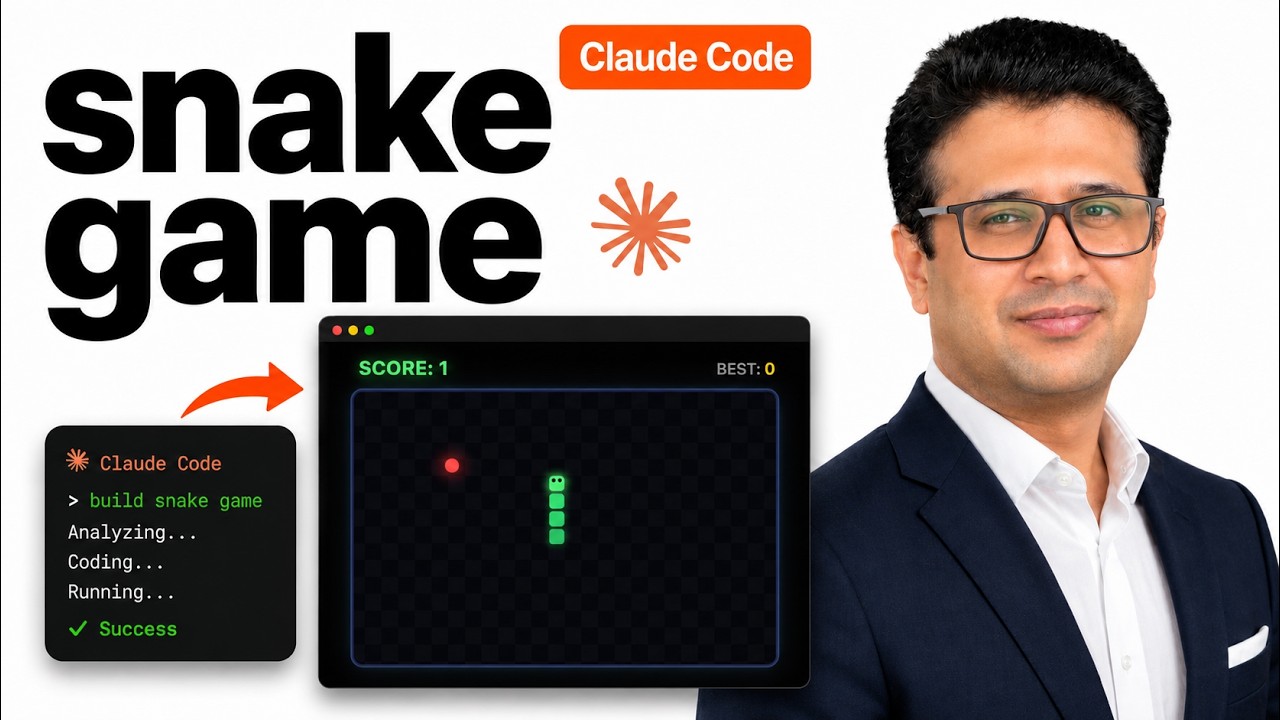
One prompt. One HTML file. A working Snake game with arrow-key controls, score tracking, and a polished look. That is the whole video, and the whole point.
I have been running an experiment on the channel: how far can you get with Claude Code if you give it the shortest possible prompt and let it figure out the rest? Snake is the fourth video in that series. Spoiler: shorter prompts keep winning.
The Setup (Takes 30 Seconds)
Open VS Code in an empty folder. I used ~/Main/Work/experiments/snake-game/ but anything works. Open the terminal inside VS Code and run:
claudeTrust the folder when it asks. That is it. No package.json, no npm install, no boilerplate.
The Prompt
Here is the exact text I typed:
Build me a classic Snake game as a single HTML file. Use arrow keys. Make it polished and fun to play.That is the entire prompt. Three sentences. I did not specify a canvas size, did not mention grid dimensions, did not ask for sound effects, did not list edge cases. The sketch-to-app video taught me that over-specifying actually makes things worse. Claude knows what Snake is. Let it work.
What Claude Did Next
It dropped into plan mode and laid out the structure: an HTML5 canvas, a game loop with requestAnimationFrame, arrow-key event listeners, collision detection for walls and self, and a food-respawn system. Then it asked permission to write the file.
I hit yes. About 40 seconds later, index.html appeared in the explorer.
The First Version Had a Bug
I double-clicked the file to open it in the browser. Game started, score showed 0, arrow keys worked. But the snake was invisible. The food was there. The game was running. I could hear my own arrow-key presses moving something on the grid, because when I steered into a wall it ended the game. But I could not see the snake.
This is the honest part. The first version of an AI-generated app often has a small bug. The trick is what you do next.
I pasted the bug back to Claude in plain English:
The game runs but the snake is not visible on screen. Food shows up and arrow keys work. Please diagnose and fix.Claude read its own code, found the issue (the fill color was being applied to the wrong context state), and rewrote the draw function. New file written. Refresh the browser. Snake is now there, sliding around, eating food, growing.
Playing It
The final game has everything you expect from a Snake clone:
- Arrow keys steer
- Score climbs each time you eat food
- Hit a wall or yourself and it ends
- Press space (or whatever Claude picked) to restart
- Subtle animations on the snake body, food pulses gently
It is not going to win a game design award. But it is a real working Snake game, built from twenty seconds of typing, in under a minute of compute.
Why Minimal Prompts Win
I keep coming back to this lesson because it surprises people. The intuitive move is to be specific: tell Claude what colors you want, what grid size, what tick rate, what edge cases to handle. Every time I have tried that, the output gets worse, not better.
The reason is simple. Specifying details forces Claude to satisfy your constraints first and pick reasonable defaults second. When you do not specify, Claude picks defaults that match the conventions of the thing it is building. A classic Snake game has conventions. Let those conventions take over.
You add specificity only when something is wrong.
The Whole Cluster So Far
This is the fourth video in the "Claude builds X from one prompt" experiment. The others used the same setup, same minimal-prompt philosophy, different targets:
- I Drew This on Paper, AI Built It (sketch to working web app)
- I Used Claude to Clone Vercel's Homepage (screenshot to cloned site)
- Snake Game (this video)
- Pomodoro Timer (productivity utility, same one-prompt format)
The Source Code
The full single HTML file plus a README sits on GitHub: AyyazTech/snake-game-claude-code. Clone it, open the file in a browser, play. The whole project is ~250 lines of HTML, CSS, and vanilla JavaScript.
Try It Yourself
The next time you have ten minutes and a fresh folder, type that prompt and watch what happens. Pick something you played as a kid. Tetris. Pong. Minesweeper. Connect Four. The prompt format is identical, just swap the game name.
The point of this series is not that Snake is impressive. The point is that the bar for "what an AI can build from one sentence" has moved further than most developers realize. Try it once and your sense of what is possible shifts.
If you want to see what Claude builds in the next one, subscribe to the channel. The repo for each video goes in the description so you can clone and study every project.