Build Your Own MCP Server for Claude Code (Step by Step 2026)
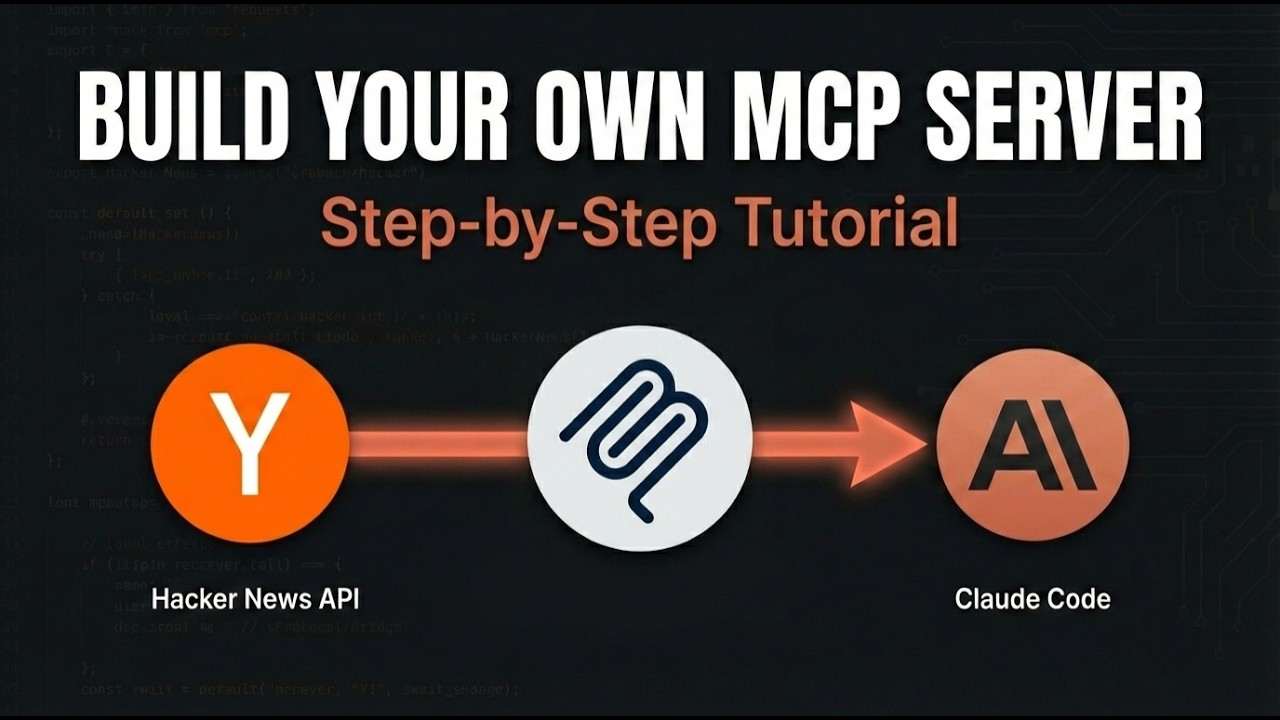
MCP (Model Context Protocol) is how you give Claude Code tools it does not have out of the box. Instead of being stuck with the built-in toolset, you write a small server and Claude can call into it like any other action.
In this tutorial I will walk through building an MCP server from scratch. The example is a Hacker News server: when finished, I can ask Claude "what is trending on Hacker News right now" and it will actually know, because the server fetches that data in real time.
What MCP Actually Is
Claude Code talks to MCP servers over a simple protocol. The server exposes a list of tools, each with a name, description, input schema, and a handler. Claude picks the right tool based on your message, calls it with arguments, gets back JSON, and uses that to answer.
You can write an MCP server in Python, TypeScript, or any language with a stdio loop. We will use TypeScript with the official SDK.
Project Setup
mkdir hackernews-mcp
cd hackernews-mcp
bun init -y
bun add @modelcontextprotocol/sdk zod
Add this to package.json so we can run the server:
{
  "name": "hackernews-mcp",
  "type": "module",
  "bin": {
    "hackernews-mcp": "./index.ts"
  }
}
The Server (One File)
Create index.ts:
#!/usr/bin/env bun
import { Server } from "@modelcontextprotocol/sdk/server/index.js";
import { StdioServerTransport } from "@modelcontextprotocol/sdk/server/stdio.js";
import { CallToolRequestSchema, ListToolsRequestSchema } from "@modelcontextprotocol/sdk/types.js";

const server = new Server(
  { name: "hackernews", version: "1.0.0" },
  { capabilities: { tools: {} } }
);

server.setRequestHandler(ListToolsRequestSchema, async () => ({
  tools: [
    {
      name: "get_top_stories",
      description: "Get the current top stories from Hacker News",
      inputSchema: {
        type: "object",
        properties: {
          limit: { type: "number", description: "How many stories to return (default 10)" }
        }
      }
    }
  ]
}));

server.setRequestHandler(CallToolRequestSchema, async (req) => {
  if (req.params.name !== "get_top_stories") {
    throw new Error("unknown tool");
  }
  const limit = req.params.arguments?.limit ?? 10;
  const ids = await fetch("https://hacker-news.firebaseio.com/v0/topstories.json").then(r => r.json());
  const stories = await Promise.all(
    ids.slice(0, limit).map((id: number) =>
      fetch(`https://hacker-news.firebaseio.com/v0/item/${id}.json`).then(r => r.json())
    )
  );
  return {
    content: [{ type: "text", text: JSON.stringify(stories.map(s => ({ title: s.title, url: s.url, score: s.score })), null, 2) }]
  };
});

const transport = new StdioServerTransport();
await server.connect(transport);
Make it executable:
chmod +x index.tsThat is the entire server. It declares one tool, fetches Hacker News data when called, and returns JSON.
Register With Claude Code
claude mcp add hackernews -- bun ~/path/to/hackernews-mcp/index.tsRestart Claude Code. Inside a session run /mcp and you will see hackernews in the list with get_top_stories as its tool.
Try It
Ask Claude:
What are the top 5 trending Hacker News stories right now?Claude sees the question, finds the matching tool, calls it with limit: 5, gets back the JSON, and writes a summary with the actual current titles and scores. Real-time data, no plugins, no API key needed (Hacker News is public).
What to Build Next
The Hacker News server is just a teaching example. The same pattern works for:
- Your company's internal API. Wrap your REST endpoints in MCP tools. Claude can now query your CRM, your analytics warehouse, your project tracker.
- A weather service. Wrap OpenWeather or similar. "Will it rain in Lahore this afternoon?"
- A database. Expose read-only SQL queries. "How many users signed up yesterday?"
- A vector store. RAG over your own documents without dumping them into context.
- Anything with an HTTP API. If it returns JSON, you can wrap it in a one-tool MCP server in 50 lines.
Three Things I Wish I Knew Earlier
- Tool descriptions are the most important part. Claude picks tools based on the
descriptionfield. Be specific. "Get the current weather for a city" beats "Weather tool." - Return JSON as text, not as raw objects. The protocol expects strings in
content[].text. Stringify your data. - Debugging is just reading stdout/stderr. MCP servers run as subprocess of Claude Code. Errors show up in the Claude Code terminal. If a tool is not working, check that the server even started.
Related
Subscribe
Subscribe to AyyazTech on YouTube for more MCP and Claude Code tutorials.